
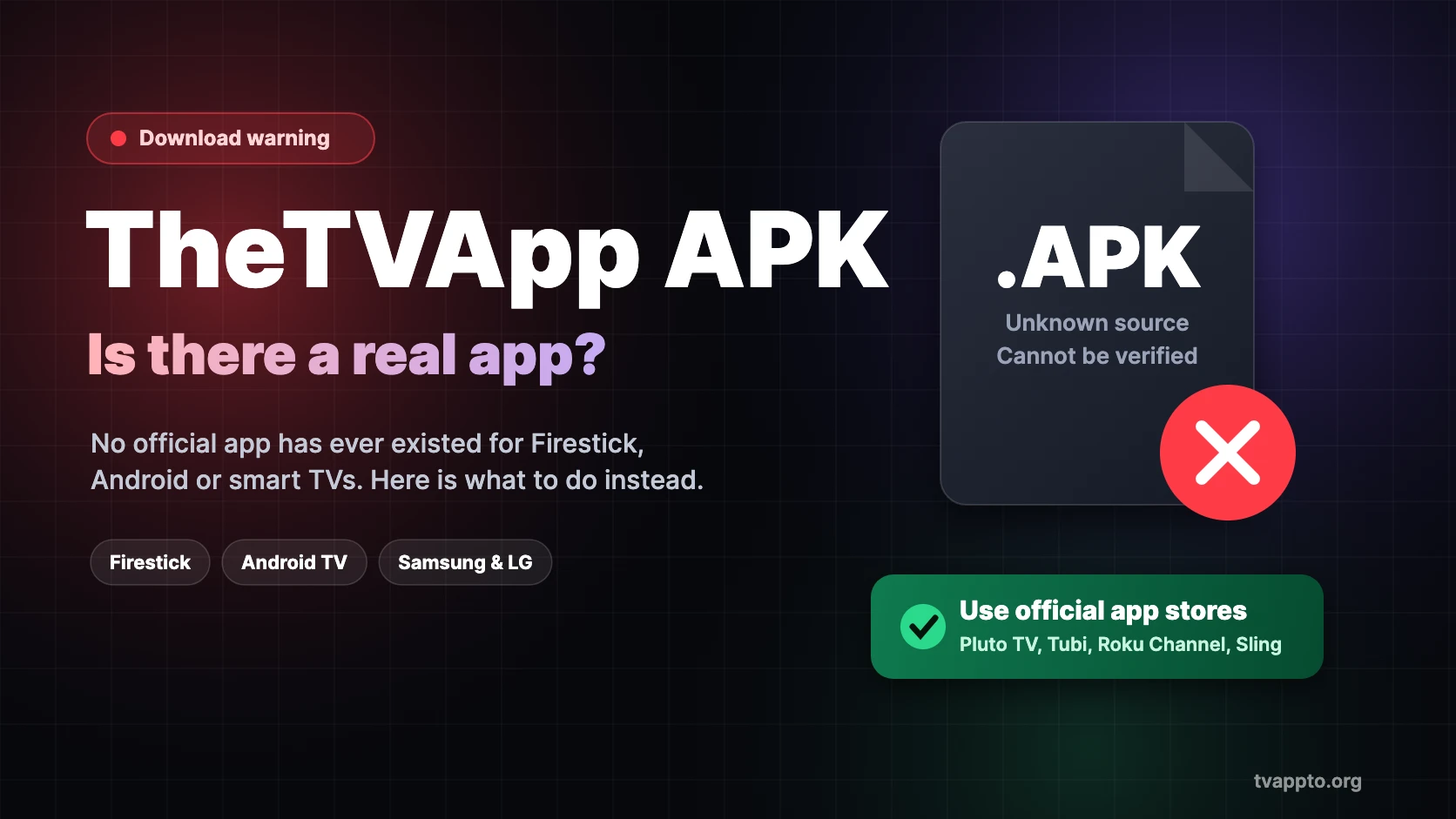
There has never been an official TheTVApp app. TheTVApp only ever ran in a web browser, so every “TheTVApp APK”, “The TV App download for smart TV” or “TheTVApp for Firestick” file you find was packaged by someone else. You cannot see what is inside it, and installing it means switching off the safety checks built into your device.
Here is what those downloads really are, how to remove one if you already installed it, and what to put on your TV instead.
Is there an official TheTVApp APK?
No. TheTVApp was a browser-only website, usually at thetvapp.to, and it never released an app for Android, Firestick, iPhone or any smart TV store.
So any APK carrying the TheTVApp name, or a similar name like “TVA+”, comes from a third party. Nobody can verify who built it, what it connects to, or what permissions it takes once installed. And because the original TheTVApp has been offline since June 6, 2026, there is not even a working service behind it anymore.
Why are TheTVApp APK downloads risky?
A file from an unknown website skips every check that official app stores run. The US Federal Trade Commission has warned that pirated streaming apps and add-ons are a common way to spread malware, and that if you download one, the chances are good you will also download malware.
The risks are specific:
- Hidden malware. Unofficial streaming apps have been found sending data such as Wi-Fi details to unknown servers.
- Adware and pop-ups that keep running on your TV or phone after you close the app.
- Your device used by others. The FBI has warned about streaming boxes and apps that quietly turn home devices into proxies for criminal activity.
- No updates or fixes. When a site like TheTVApp disappears, anything left on your device stays there, unmaintained.
Can you install TheTVApp on a Firestick?
Not from Amazon’s Appstore, because it was never there. Sites that promise “TheTVApp on Firestick” walk you through turning on apps from unknown sources and sideloading a file with the Downloader app. Amazon’s own settings screen warns that doing this may make your device and personal data more vulnerable to security risks or damage.
Newer Fire TV Stick HD models that run Amazon’s Vega OS go further: they block sideloading entirely and only allow apps from the Amazon Appstore. If a guide tells you to switch off a built-in protection to install something, that is the clearest sign to stop.
Can you download TheTVApp on a Samsung or LG smart TV?
No. Samsung and LG smart TVs only install apps from their own built-in stores, and TheTVApp has never been listed in either. A file promising “The TV App download for smart TV” will not install on these TVs the normal way, and workarounds that require developer mode or a USB stick carry the same risks as any unknown APK.
The good news is that these TVs already include free, legal live TV. Samsung TVs have Samsung TV Plus built in, and both stores offer free apps like Pluto TV and Tubi. Our smart TV guide shows where to find them.
How can you spot a fake TheTVApp download?
Treat any download as unsafe if it does one of these things:
- It is offered on a website instead of an official app store.
- It asks you to turn on “unknown sources”, “install unknown apps” or developer mode.
- It tells you to disable Google Play Protect or your antivirus first.
- It promises free premium channels like ESPN, HBO or live NFL.
- It uses TheTVApp’s name or a close variation, even though TheTVApp never made an app.
The FBI lists several of the same warning signs for compromised streaming devices, including apps from suspicious marketplaces and instructions to switch off Google Play Protect.
Already installed a TheTVApp APK? How to remove it
If you installed a TheTVApp-branded app, removing it takes a few minutes.
On a Fire TV or Firestick:
- Go to Settings > Applications > Manage Installed Applications.
- Select the TheTVApp or “TVA+” app, then choose Uninstall.
- Go to Settings > My Fire TV > Developer options and turn off permission for Downloader or any other app allowed to install unknown apps.
On an Android phone, tablet or Android TV:
- Open Settings > Apps, select the app and choose Uninstall.
- Open the Google Play Store, go to Play Protect and run a scan.
- In your settings, remove “install unknown apps” permission from your browser or file manager.
If you ever entered an email and password inside one of these apps, change that password, and use a different one from your other accounts. For more cleanup steps, see is TheTVApp safe and legal.
What should you install instead of a TheTVApp APK?
Install a free, licensed app from your device’s own store. They work on Fire TV, Android TV, Roku, Samsung, LG and phones, and most need no account:
| App | Where to get it | Best for |
|---|---|---|
| Pluto TV | Amazon Appstore, Google Play, Roku, Samsung and LG stores | Cable-style live channel guide |
| Sling Freestream | Sling app in official stores | Biggest free lineup, free DVR |
| The Roku Channel | Built into Roku; app on Fire TV, Google TV and Samsung | Big free lineup on almost any TV |
| Tubi | All major official app stores | Free movies plus live channels |
For the full comparison, including where free runs out for live sports, read our 9 best TheTVApp alternatives. Device walkthroughs are in our Firestick and Roku guides.
TheTVApp APK FAQ
Is there an official TheTVApp APK?
No. TheTVApp only ran in a web browser and never released an app, so every TheTVApp APK comes from a third party.
Is the TheTVApp APK safe to install?
No. It comes from an unknown source, skips app store security checks, and pirated streaming apps are a known way to spread malware.
Can I get TheTVApp on Firestick?
Not from the Amazon Appstore. Installing a TheTVApp file means turning on unknown sources, which Amazon warns can put your device and data at risk.
Can I download The TV App on a smart TV?
No. Samsung and LG TVs only install apps from their own stores, and TheTVApp was never listed there.
What is TVA+?
TVA+ is a third-party app, not an official TheTVApp release. Like any app outside official stores, its source and contents cannot be verified.
What is the best free app instead of TheTVApp?
Pluto TV is the closest match. It is free, legal, available in every major app store and opens straight into a live channel guide.
Sources
- FTC Consumer Alert: Malware from illegal video streaming apps, what to know
- AFTVnews: Amazon updates Fire TV warnings for apps from unknown sources
- Android Authority: Fire TV Stick HD blocks sideloading
- EFF: FBI warning on compromised home streaming devices
- NextTV: Digital Citizens Alliance research on piracy apps and malware