
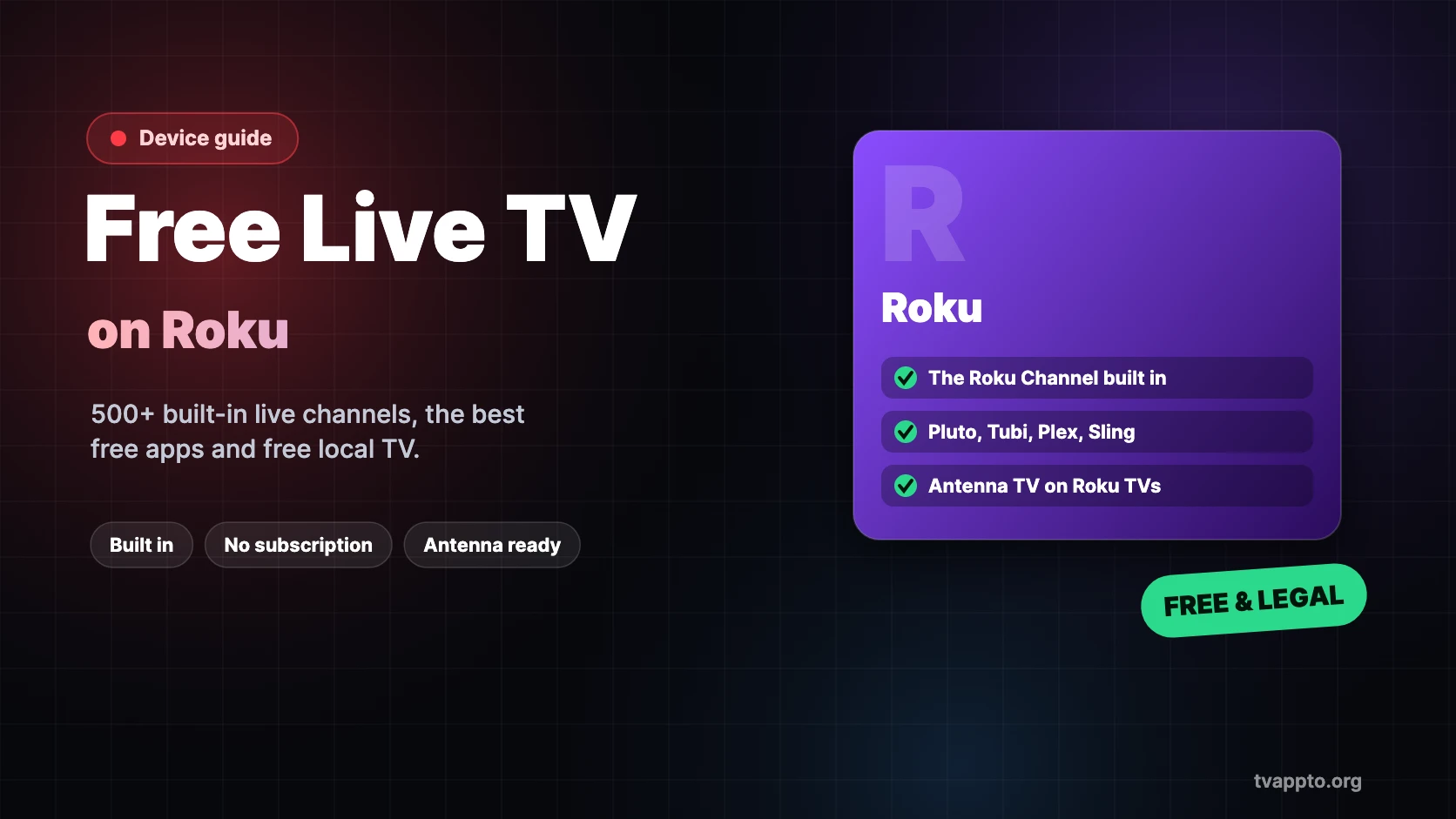
Getting free live TV on Roku is one of the easiest setups around. Every Roku player and Roku TV comes with The Roku Channel and its Live TV guide, and the Roku Channel Store has all the major free live TV apps. You do not need a subscription, and you do not need to install anything unofficial.
Here is what is free on Roku, how to set it up, and how to get local channels.
Can you watch live TV free on Roku?
Yes. The Roku Channel comes with every Roku device and now has 500+ free live channels in its Live TV guide, plus free movies and shows on demand. You can add more free channels with apps like Pluto TV, Tubi, Plex and Sling Freestream from the Roku Channel Store.
Our Roku Channel guide covers that app in detail. This page covers everything free you can watch on a Roku device.
What free live TV is built into Roku?
- The Roku Channel. Preinstalled, with a Live TV guide organized by genre and channel number. You can jump straight to a channel by entering its number.
- Live TV on the home screen. Roku surfaces live channels on the home screen and in its own Live TV section, so you can browse without opening an app first.
- Antenna TV on Roku TVs. Roku TV models have an antenna input. Connect an antenna and your free local over-the-air channels show up alongside streaming channels.
Which free live TV apps work on Roku?
| App | What it is best for |
|---|---|
| The Roku Channel | Built-in guide with 500+ free live channels |
| Pluto TV | Cable-style live guide, hundreds of channels |
| Tubi | Free movies plus live news and sports channels |
| Plex | 600+ free channels plus your own media |
| Sling Freestream | Large free lineup with a free DVR |
| NewsON, Local Now, Haystack News | Local and national news |
All are free in the official Roku Channel Store.
How do you set up free live TV on Roku?
- Press Home on your Roku remote.
- To use built-in channels, open The Roku Channel and select Live TV.
- To add an app, go to Search (or Streaming Store), type the app name, and select Add channel.
- On a Roku TV, connect an antenna to the Ant/Cable In port, press Home, select Live TV and follow the steps to scan for channels. If Live TV is missing, go to Settings → TV inputs → Live TV → Set up input.Live TV or the Antenna TV input, and run a channel scan to add local stations.
How do you get local channels free on Roku?
The most reliable free option is an antenna on a Roku TV. It gives you your local ABC, CBS, FOX, NBC and PBS stations over the air in HD. On a Roku stick or box, which has no antenna input, use free news apps like NewsON or Local Now for local newscasts. Full local network channels otherwise need a paid live TV service.
See our free live news guide for every free news option.
Is it safe to install unofficial streaming apps on Roku?
Roku does not let you sideload regular apps, which keeps things safer than on some other devices. Be careful with “private channels” or websites promising free cable channels and live sports. Unlicensed streams can expose you to scams and malware.
Read is TheTVApp safe and legal? to see why.
Roku free live TV FAQ
Can you watch live TV free on Roku?
Yes. The Roku Channel is built into every Roku device and includes 500+ free live channels.
Is The Roku Channel free?
Yes. It is free and paid for by ads, with no subscription required.
How do I get free local channels on Roku?
Connect an antenna to a Roku TV for free local stations, or use free news apps like NewsON on any Roku device.
What is the best free live TV app on Roku?
The Roku Channel is the easiest because it is built in. Pluto TV and Sling Freestream are the best additions for more channels.
Do you need an account to watch free channels on Roku?
You need a Roku account to activate the device. After that, The Roku Channel’s free live channels need no extra sign-up.
Can you sideload apps on Roku?
Not regular apps. Roku only installs apps from its official store, apart from developer mode, which is for building apps.