
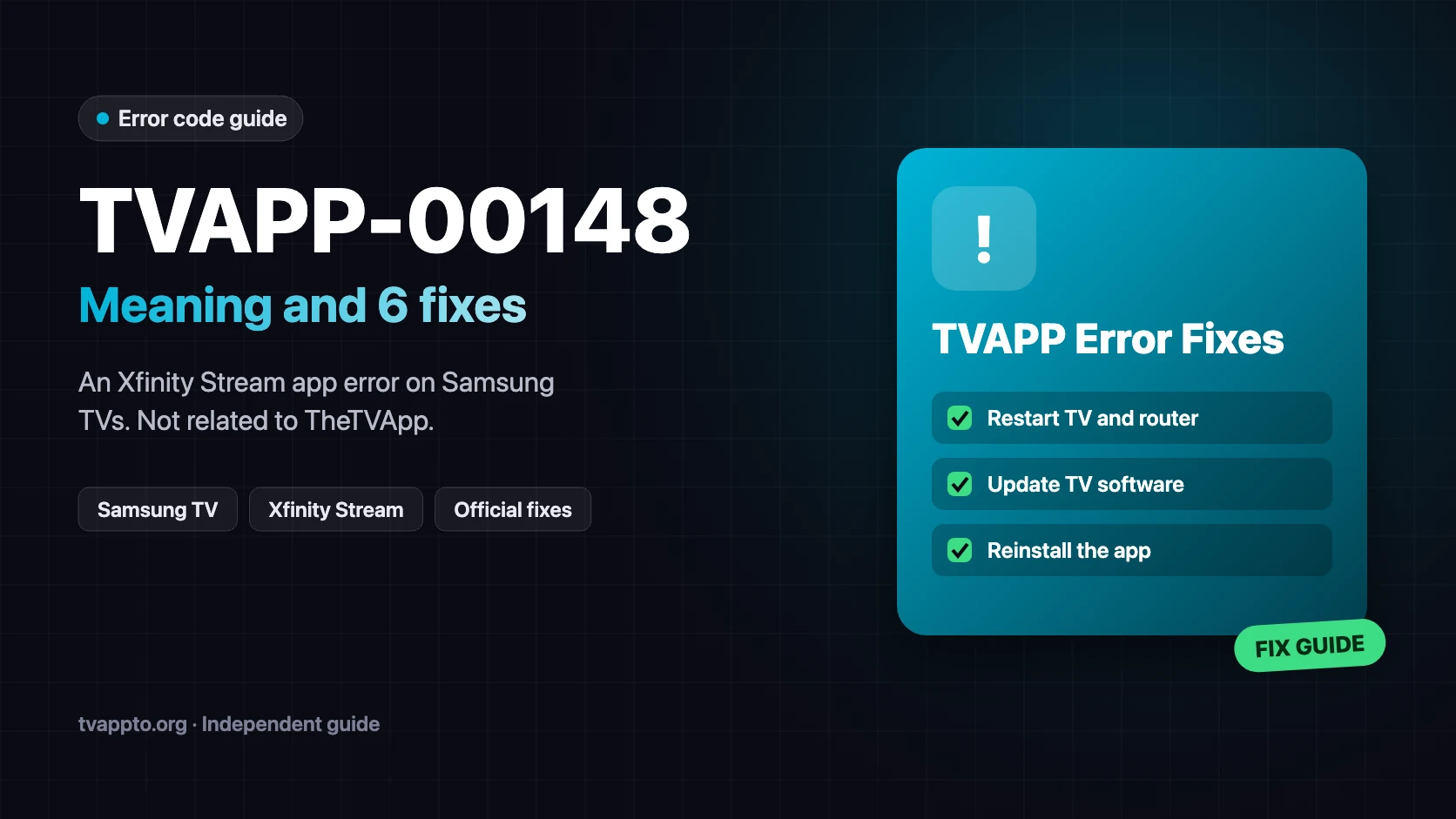
TVAPP-00148 is an Xfinity Stream app error, not a TheTVApp error. The “TVAPP” prefix is used by Comcast’s Xfinity Stream app, and code 00148 shows up mostly on Samsung smart TVs when the app opens but live video will not play. Xfinity has said the problem is linked to firmware bugs on some 2021 Samsung TVs rather than the app itself.
Here is what TVAPP-00148 and the other common TVAPP codes mean, and the official steps to fix them.
What does TVAPP-00148 mean?
TVAPP-00148 means the Xfinity Stream app cannot play video on your TV, even though the menus load normally. Many people see it on live TV channels while recordings or on-demand titles still play.
According to Xfinity’s support team, the common causes are:
- Samsung TV firmware issues, the most common cause, tied to some 2021 Samsung smart TVs.
- App glitches or a corrupted app cache.
- Network connection problems.
- An outdated app or outdated TV software.
Users have also reported the same code on some LG smart TVs.
Is TVAPP-00148 related to TheTVApp?
No. TheTVApp was an unofficial live TV streaming website. It has no connection to the Xfinity Stream app or its TVAPP error codes; the names are just similar. If you see TVAPP-00148, you are using Xfinity’s official app, and the fix is on your TV or network, not on any website.
Looking for TheTVApp itself? Read what happened to TheTVApp.
How do you fix TVAPP-00148 on a Samsung TV?
Work through these steps in order. They combine Xfinity’s recommended fixes with Samsung’s official app troubleshooting steps.
- Restart the TV and your network. Unplug the TV from power for 60 seconds, and unplug your modem or router for 30 seconds. Plug them back in and try again.
- Update the TV’s software. Go to Settings → Support → Software Update → Update Now. If the option is grayed out, close the Xfinity app or switch to the TV source first. Let the update finish, then restart the TV.
- Reinstall the Xfinity Stream app. Open Apps, select the settings cog, choose Xfinity Stream and select Delete (or Reinstall if Delete is grayed out). Restart the TV, then search for the app and select Install. You will need to sign in again.
- Reset Smart Hub as a last resort. Go to Settings → Support → Self Diagnosis → Reset Smart Hub and enter your TV PIN (the default is 0000). This signs you out of every app on the TV, so have your logins ready.
- Use a workaround. If the error keeps coming back, watch Xfinity Stream through a streaming device such as Roku, Fire TV, Apple TV or Chromecast, or cast it from a phone or tablet.
- Contact Xfinity or Samsung. If nothing works, Xfinity support may ask for your TV’s model code, serial number and software version.
Menu names can differ slightly by TV model and year.
What do other TVAPP error codes mean?
| Error code | What it usually means | First thing to try |
|---|---|---|
| TVAPP-00100 | The app cannot reach Xfinity’s servers or complete sign-in. Often seen when signing in or activating. | Restart the app and your router, and turn off any VPN or proxy. |
| TVAPP-00101 | The device can only use Xfinity Stream on your in-home Xfinity WiFi (official Xfinity explanation). | Connect to your home network and restart the app. Link your accounts if you have more than one. |
| TVAPP-00148 | The app loads but cannot play video, most often on Samsung smart TVs. | Follow the six steps above. |
| Other TVAPP codes | Xfinity does not publish a public meaning for every code. | Restart the app, update the TV and app, then reinstall. Contact Xfinity if the code persists. |
Why does TVAPP-00148 keep coming back?
Because the main cause is a firmware problem on certain Samsung models, restarting the app or the TV often fixes the error only for a while. Users have reported that it returns after changing channels a few times. A TV software update or a separate streaming device is the more lasting fix.
Can you watch live TV free if Xfinity Stream will not work?
Yes, for free channels. Samsung TVs include Samsung TV Plus, and free apps like Pluto TV and Tubi work on most smart TVs. They will not replace your Xfinity channels, but they are free and legal. See free live TV on smart TVs and our best free live TV apps guide.
TVAPP error codes FAQ
What is error TVAPP-00148?
It is an Xfinity Stream app error that means video cannot play, usually on Samsung smart TVs, even though the app’s menus load.
Is TVAPP-00148 a TheTVApp error?
No. TVAPP codes come from the Xfinity Stream app. TheTVApp was an unrelated streaming website.
How do I fix TVAPP-00148 on my Samsung TV?
Restart the TV and router, update the TV software, reinstall the Xfinity Stream app, and reset Smart Hub as a last resort. A streaming device is a reliable workaround.
Why does TVAPP-00148 happen only on live TV?
Many users can still play recordings and on-demand titles. The error usually affects live streams on TVs with the related firmware issue.
What does TVAPP-00101 mean?
It means the device can only use Xfinity Stream on your in-home Xfinity WiFi. Connect to your home network and restart the app.
What does TVAPP-00100 mean?
It usually means the Xfinity Stream app cannot reach Xfinity’s servers or finish signing in. Restart the app and router, and turn off any VPN.