
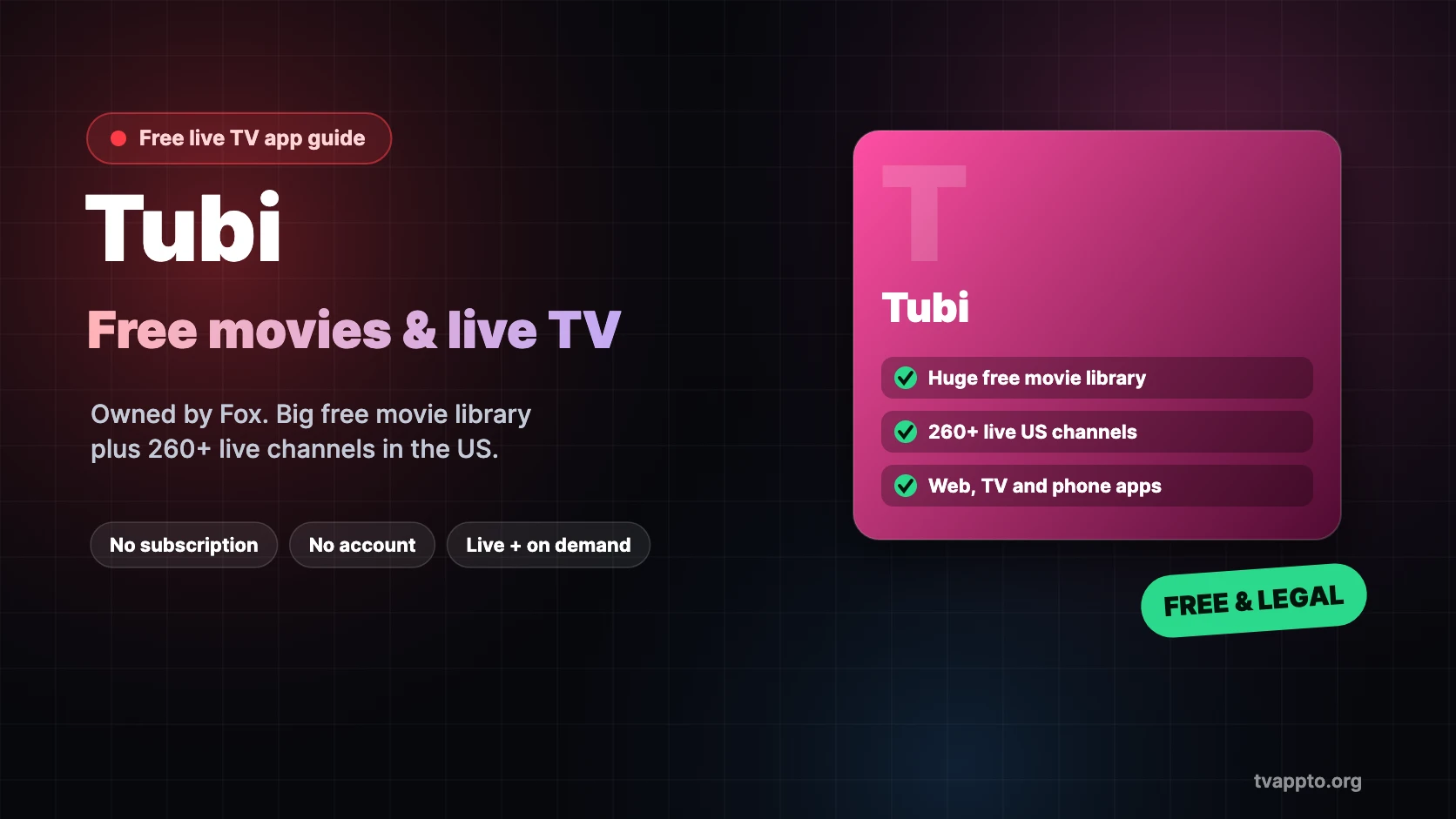
Tubi is best known for free movies, but it is also a solid free live TV app. Owned by Fox, it combines one of the largest free on-demand libraries in the US with a live section of news, sports and entertainment channels. You can start watching without an account.
Here is what Tubi offers, what is free and what is not, and how to watch it on your TV.
Is Tubi really free?
Yes. Tubi is a free, ad-supported streaming service owned by Fox Corporation. There is no subscription and no credit card, and an account is optional for normal viewing. It is legal, because Tubi licenses its movies, shows and channels from studios and distributors.
A free account adds a watchlist, recommendations and parental controls. Some special live events can also require a free sign-up.
What can you watch on Tubi?
- Free movies and TV series on demand, from older classics to more recent titles, plus Tubi Originals.
- Live TV channels. Tubi’s help center lists 260+ live channels in the US, covering news, sports, entertainment, kids and Spanish-language programming.
- Sports channels such as the NFL Channel and FOX Sports, with highlights, analysis and some live events.
- Free news channels, including FOX-owned streams like LiveNOW from FOX and FOX Weather.
Tubi has also hosted big one-off events. In February 2025, Fox streamed Super Bowl LIX free on Tubi in 4K, the first time the game had streamed on the service. Whether future big games appear on Tubi depends on which network holds the rights that year.
Which devices support Tubi?
| Device | How to get Tubi |
|---|---|
| Web browser | Go to tubitv.com, no download needed |
| iPhone, iPad and Android | Free app from the App Store or Google Play |
| Amazon Fire TV and Firestick | Free app from the Amazon Appstore |
| Roku | Free app from the Roku store |
| Google TV, Android TV and Apple TV | Free app from the official store |
| Smart TVs and game consoles | Free app from the built-in store |
Install Tubi only from official app stores. It never asks you to download a file from a website.
How do you start watching Tubi?
- Open your device’s app store and search for Tubi.
- Install the free app and open it.
- Browse movies and shows on the home screen, or open Live TV for channels.
- Optional: create a free account to save a watchlist and set parental controls.
Using a Firestick or Roku? Our Firestick guide and Roku guide cover the steps.
What are the downsides of Tubi?
- Ads during movies, shows and live channels.
- Live TV is secondary. Tubi’s live section is good, but channel surfing feels better on Pluto TV.
- New releases are limited. The biggest recent movies usually land on paid services first.
- No premium cable channels like ESPN, CNN or HBO.
Tubi vs other free live TV apps
Choose Tubi if free movies and series matter most to you. For a cable-style live guide, Pluto TV is better; for the biggest free channel lineup with a free DVR, Sling Freestream goes further; and on a Roku or Samsung TV, The Roku Channel is often already there.
Compare every option in our best free live TV apps guide, or read the Pluto TV and Sling Freestream guides.
Tubi FAQ
Is Tubi free?
Yes. Tubi is free and paid for by ads, with no subscription or credit card required.
Do you need an account for Tubi?
No, not for normal viewing. A free account adds a watchlist, recommendations and parental controls, and some special events require one.
Does Tubi have live TV?
Yes. Tubi lists 260+ live channels in the US, including news, sports and entertainment channels.
Who owns Tubi?
Tubi is owned by Fox Corporation.
Can you watch sports on Tubi?
Partly. Tubi carries sports channels like the NFL Channel and FOX Sports, and it streamed Super Bowl LIX free in 2025, but most live games need a paid service.
Is Tubi legal?
Yes. Tubi licenses its content from studios and distributors and is paid for by ads.